> For the complete documentation index, see [llms.txt](https://ova-themes.gitbook.io/bookpro/llms.txt). Markdown versions of documentation pages are available by appending `.md` to page URLs; this page is available as [Markdown](https://ova-themes.gitbook.io/bookpro/backend/bookings.md).
# Bookings
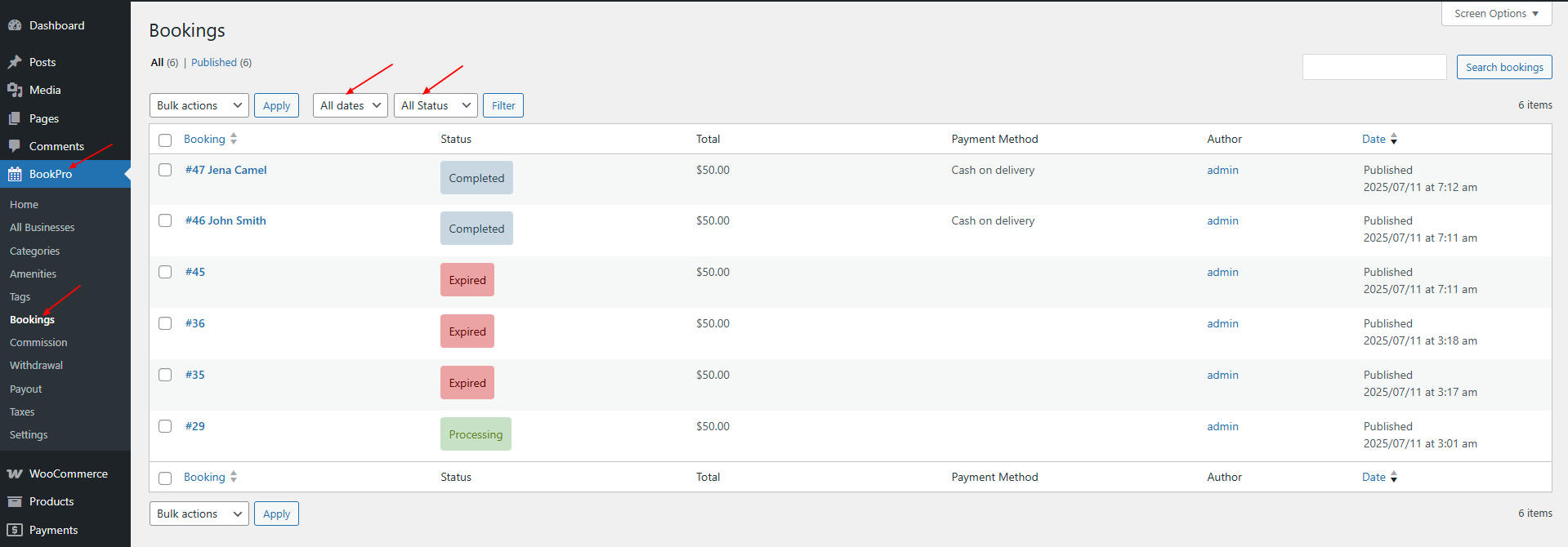
Go to: BookPro >> Bookings
Allow to:
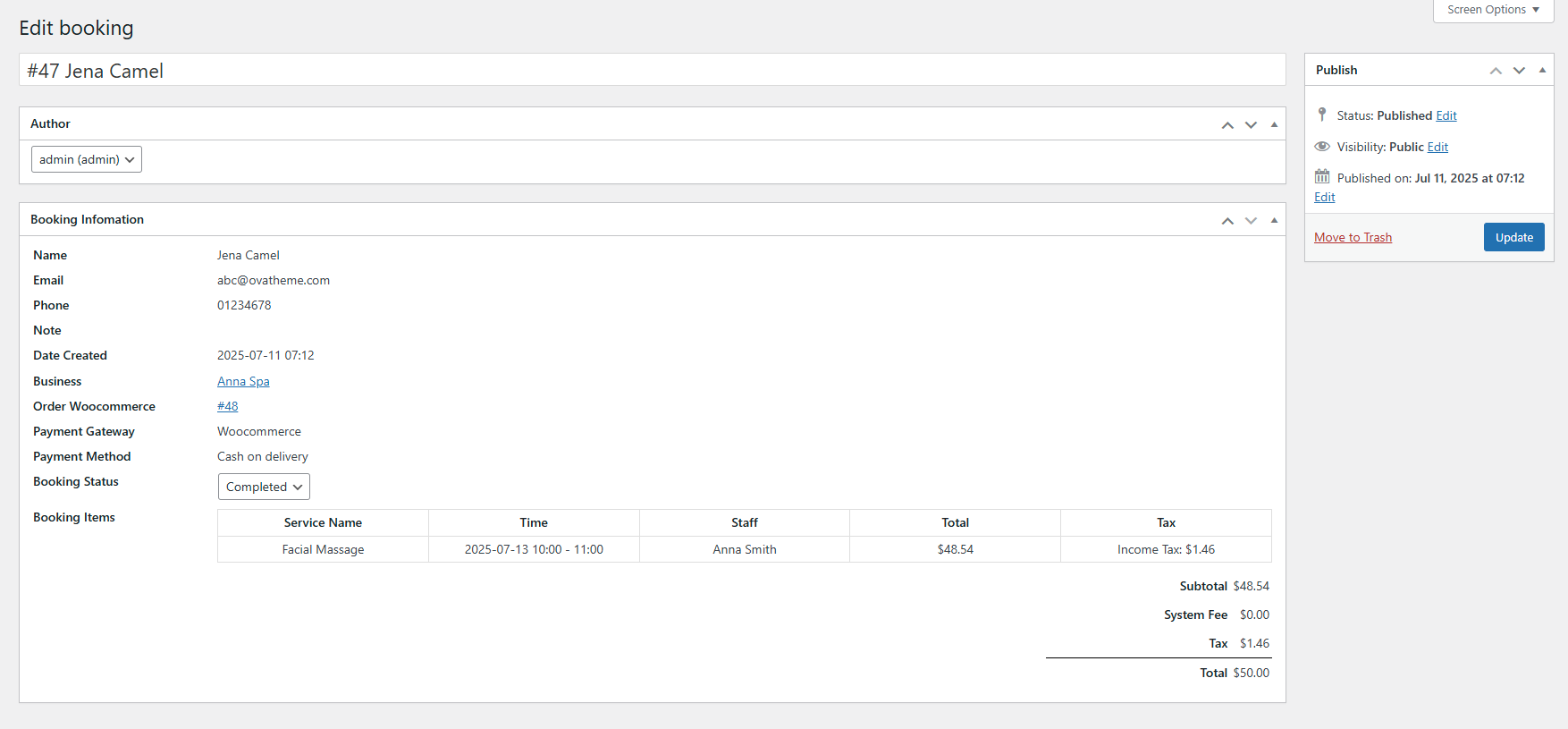
\+ Edit Orders:
You can update order status with statuses:
* Pending: Customers made a booking but have not paid
* Processing: Customers made a booking and paid sucessfully
* Completed: Customers completed service experience
* Canceled: Booking was canceled
* Refunded: Refunded to customers
* Expired: The customer's booking has expired for payment. Therefore, the booking was unsuccessful.
\+ Quick Edit Orders
\+ Delete Orders
\+ Search for orders by date, by tab ( All, Published, Trash ) or enter any information in search bar to find quickly orders